SERVICES
Four ways in. One standard out.
Image, motion, and everything generated or rendered, held to the same style guide.
Services
- 01
Image
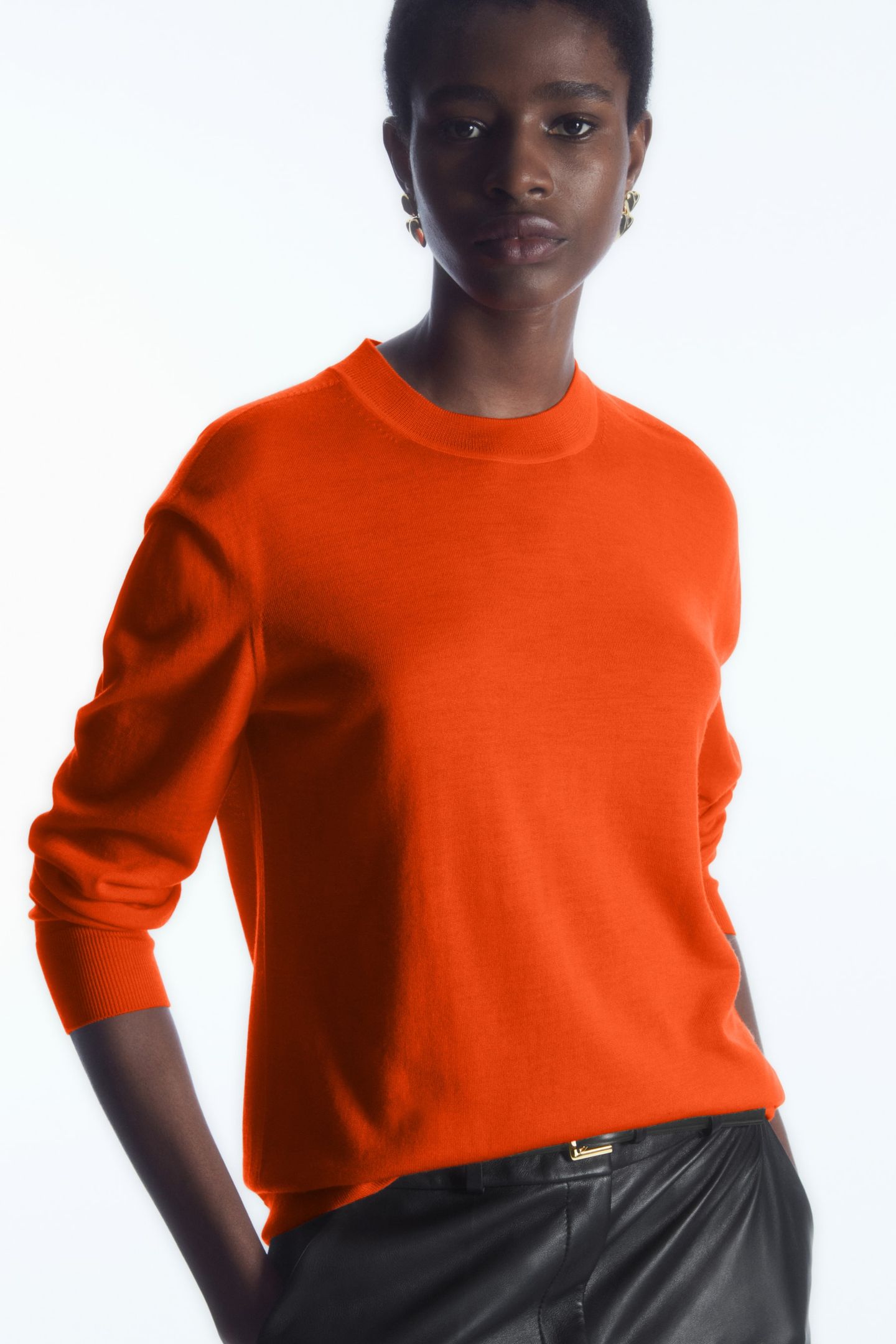
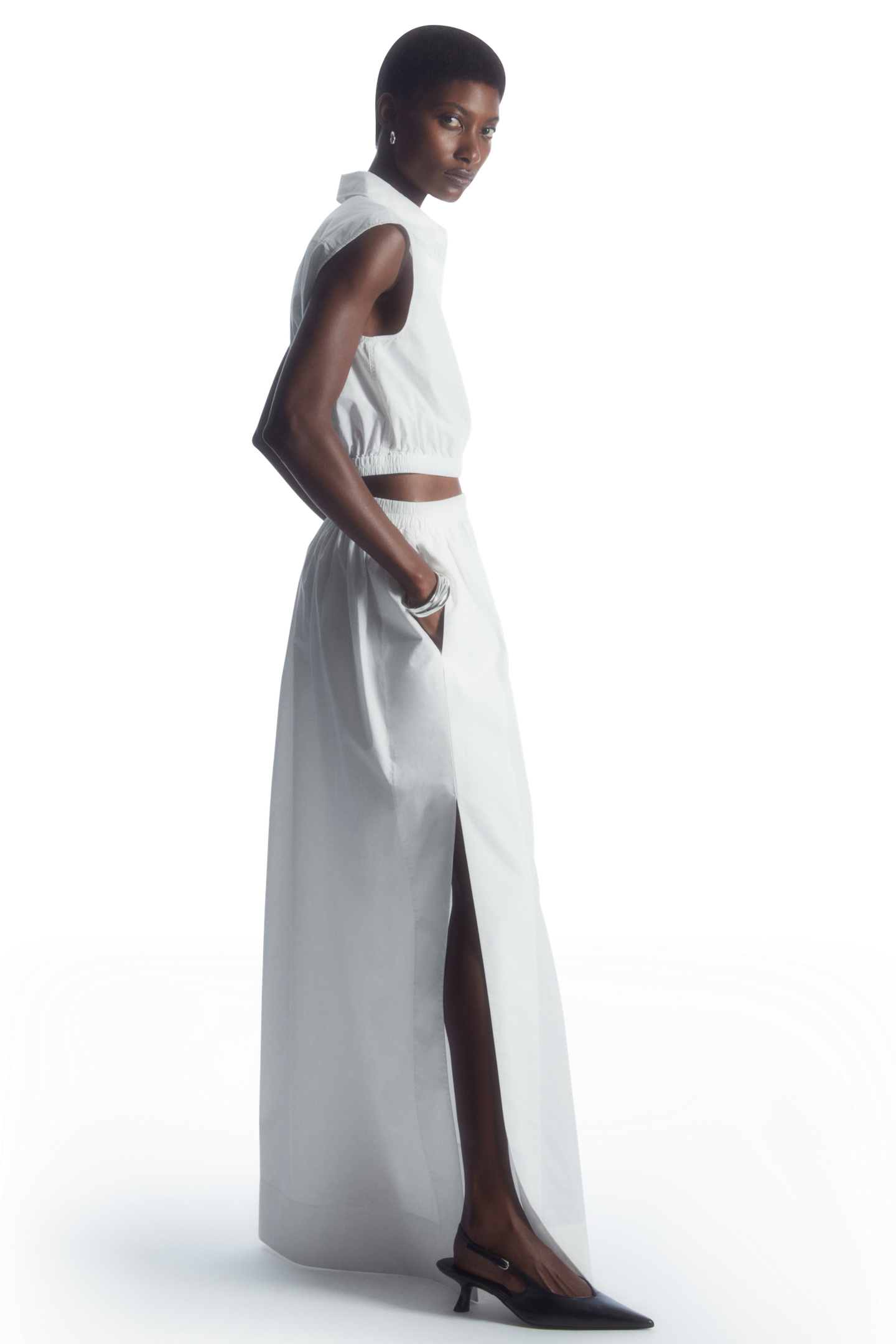
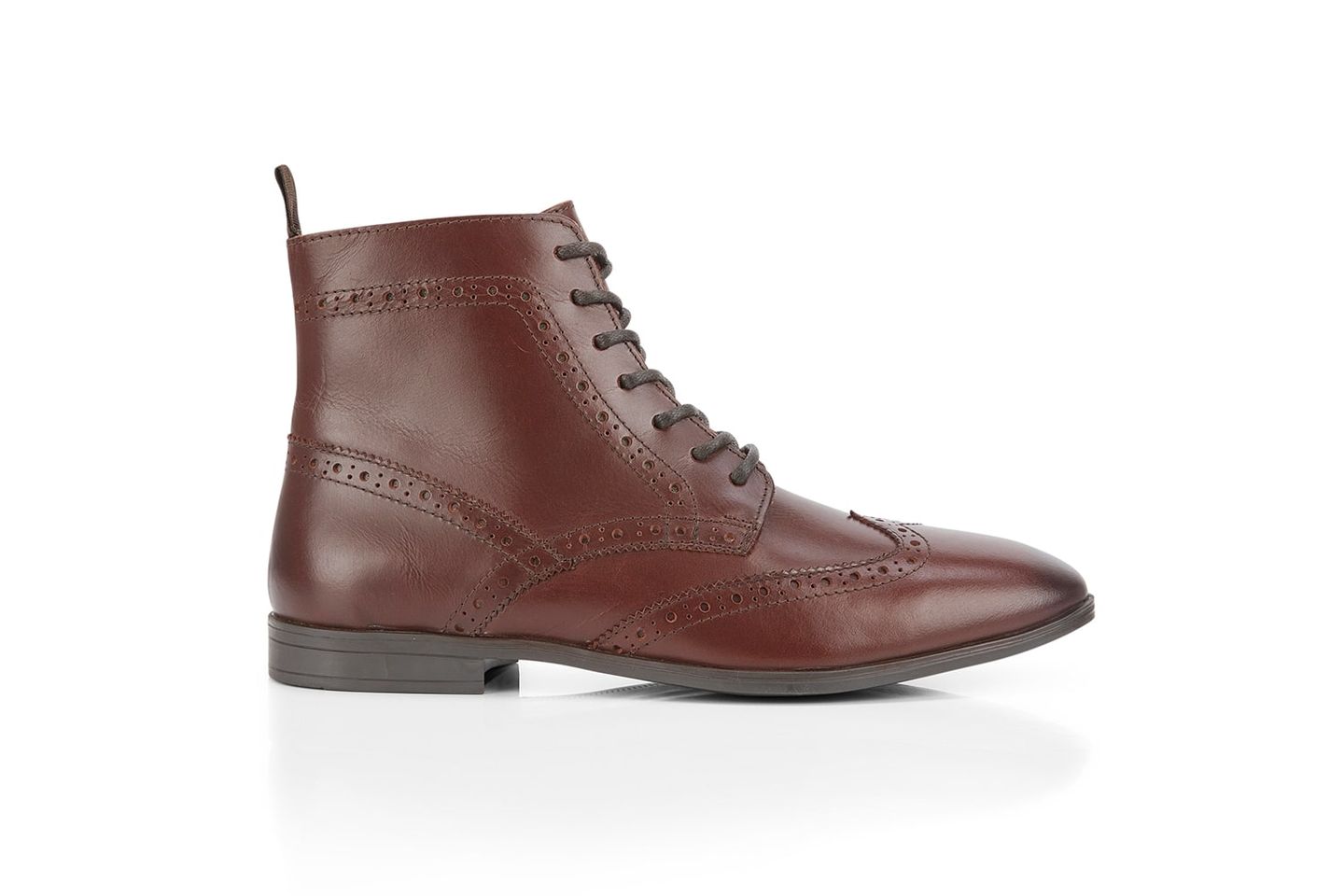
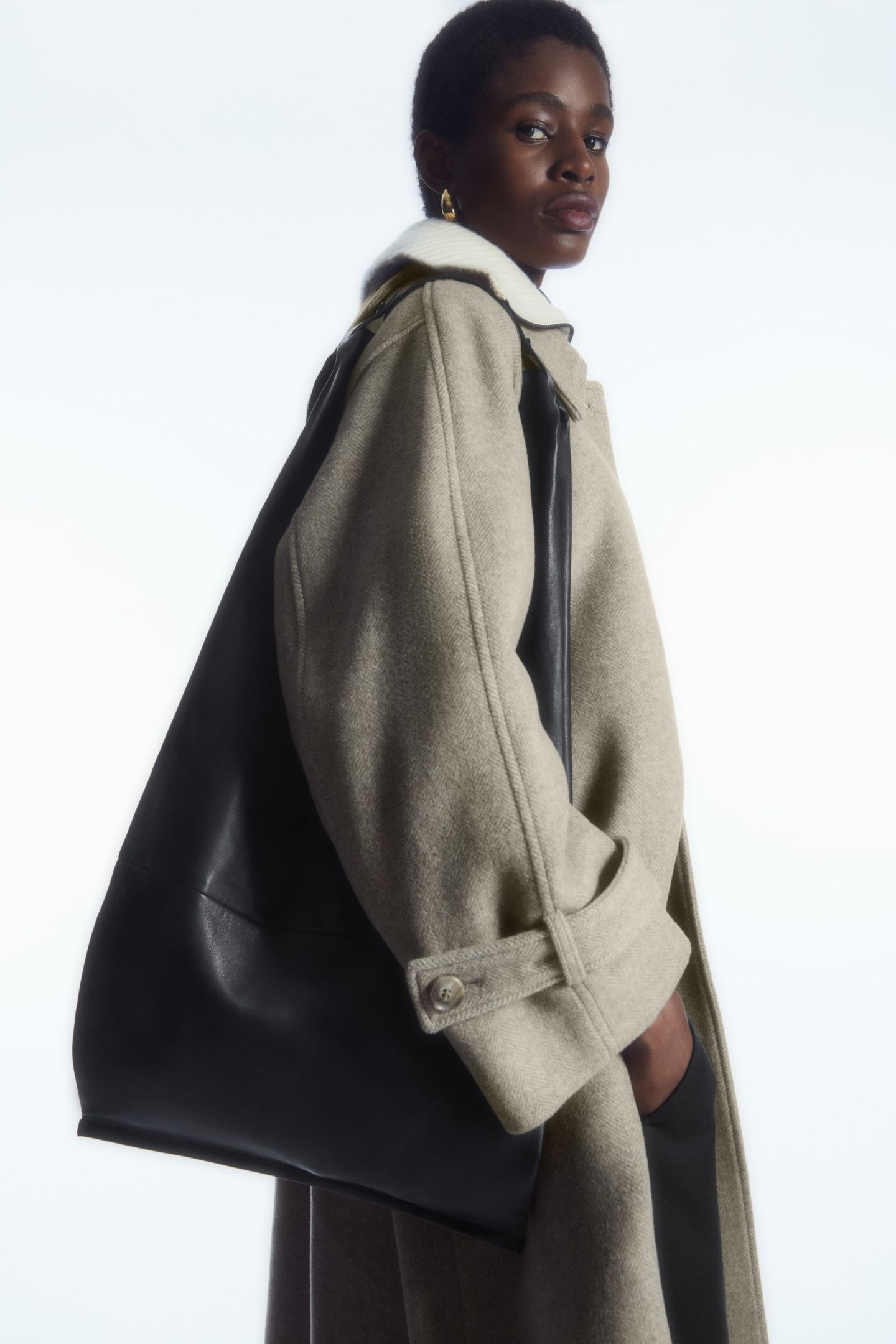
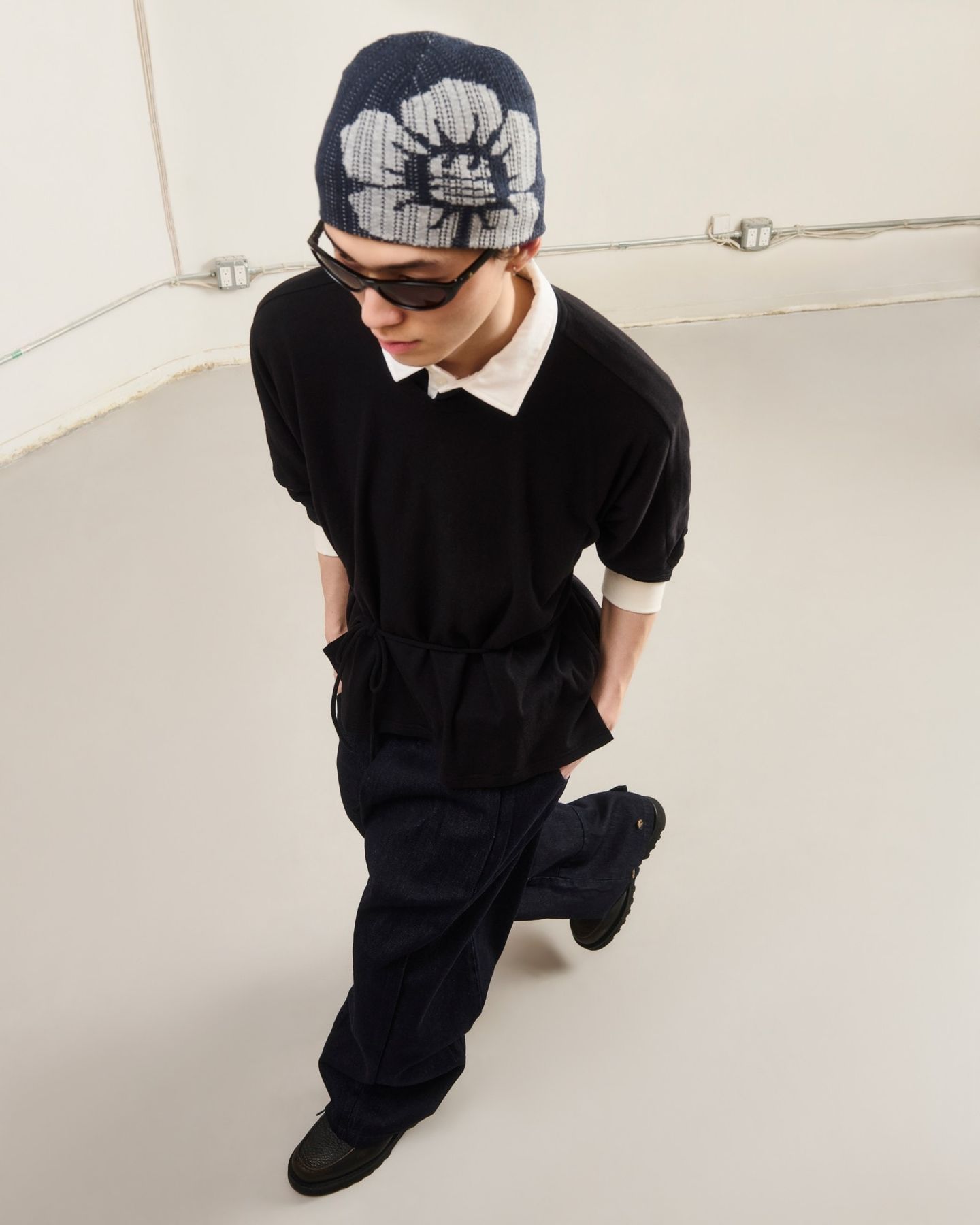
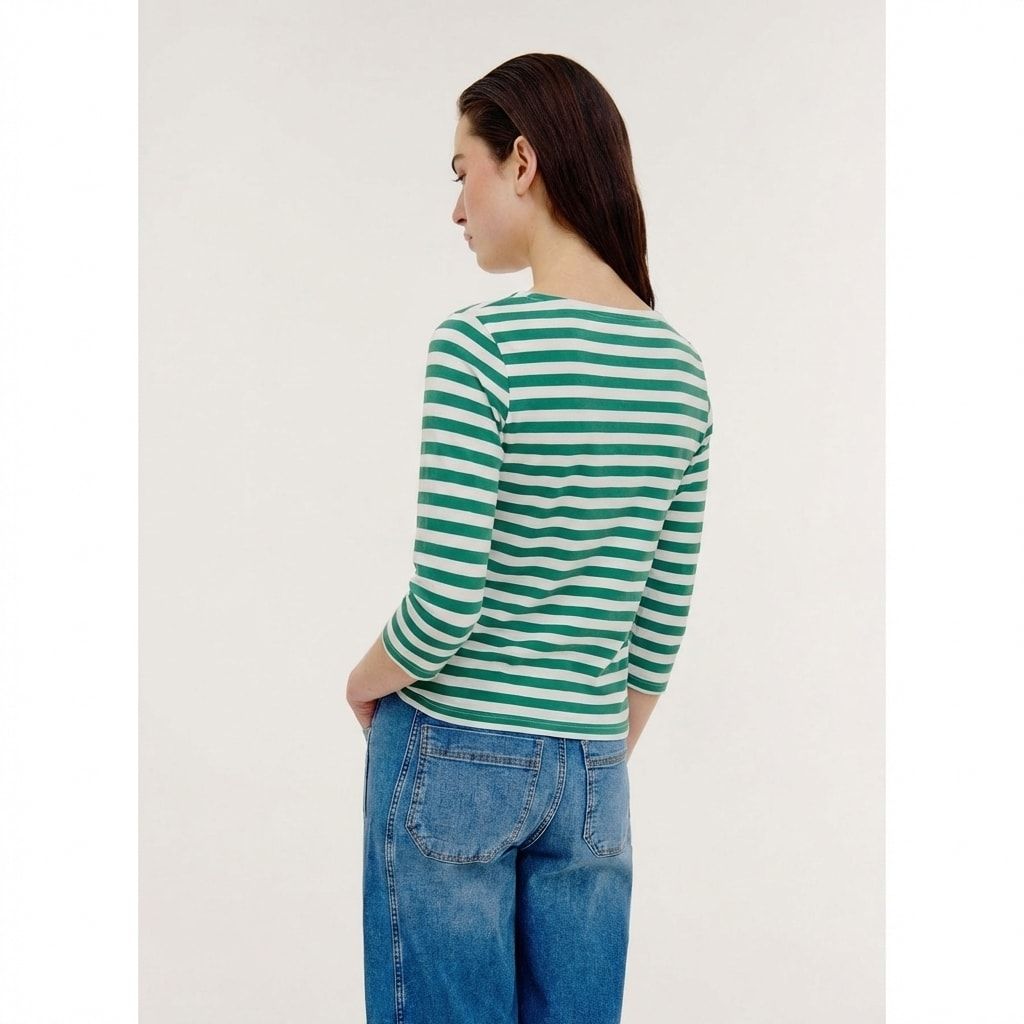
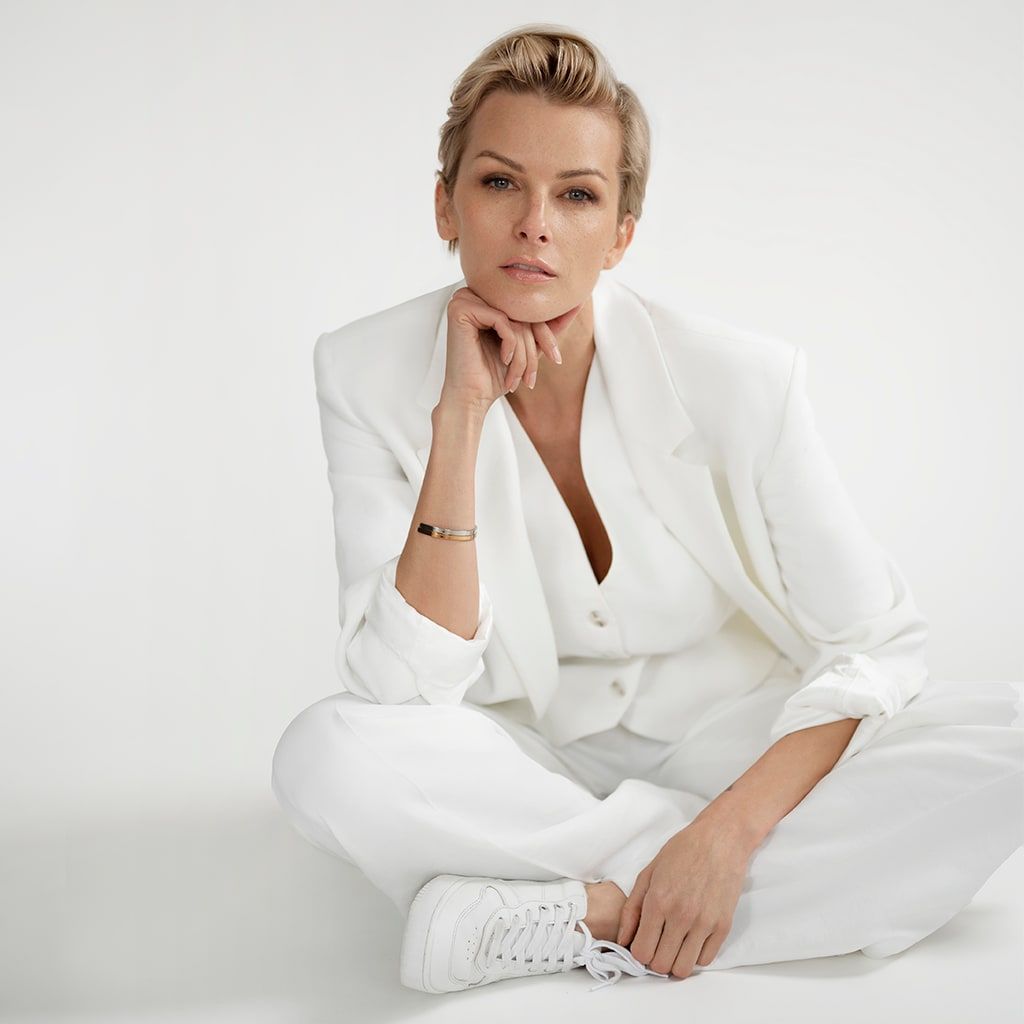
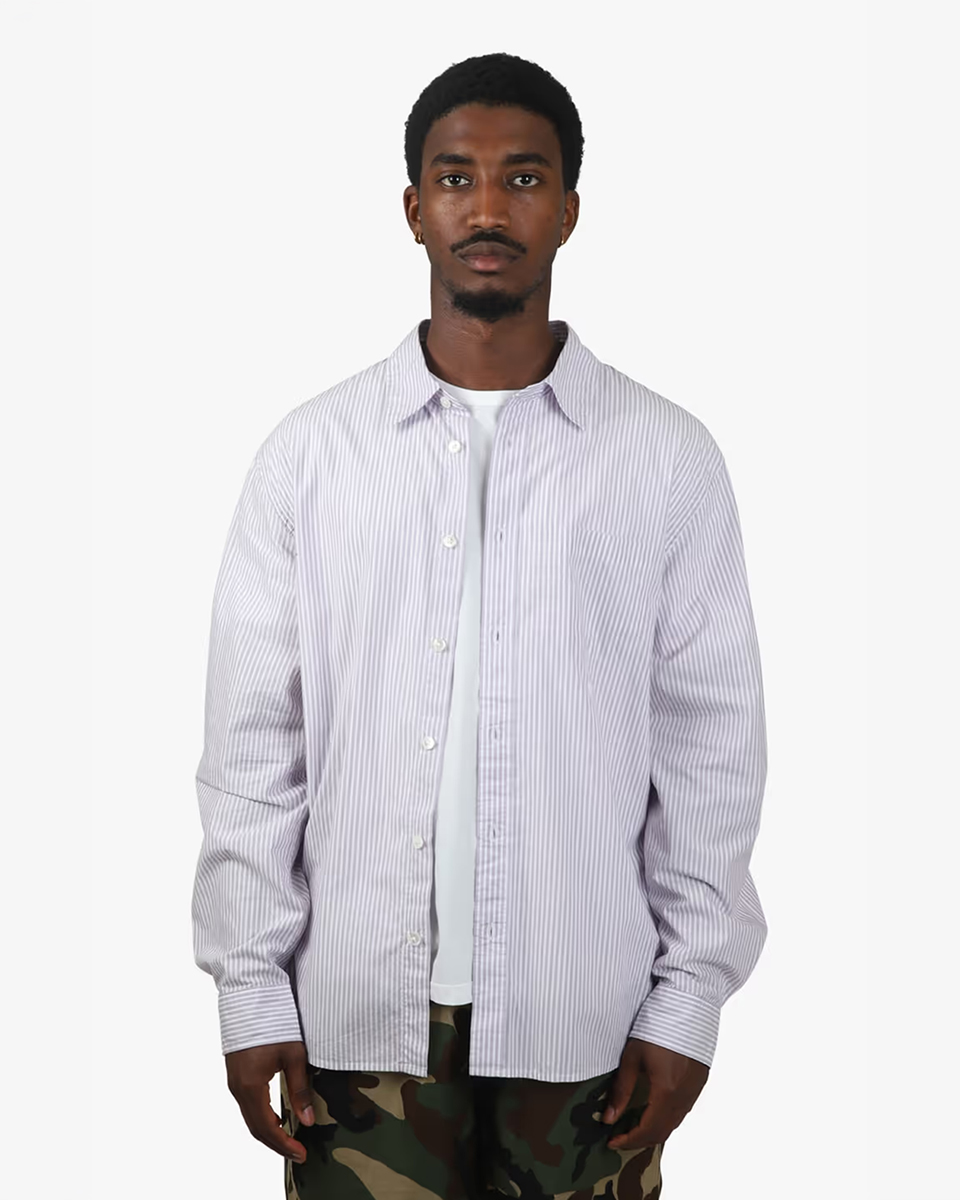
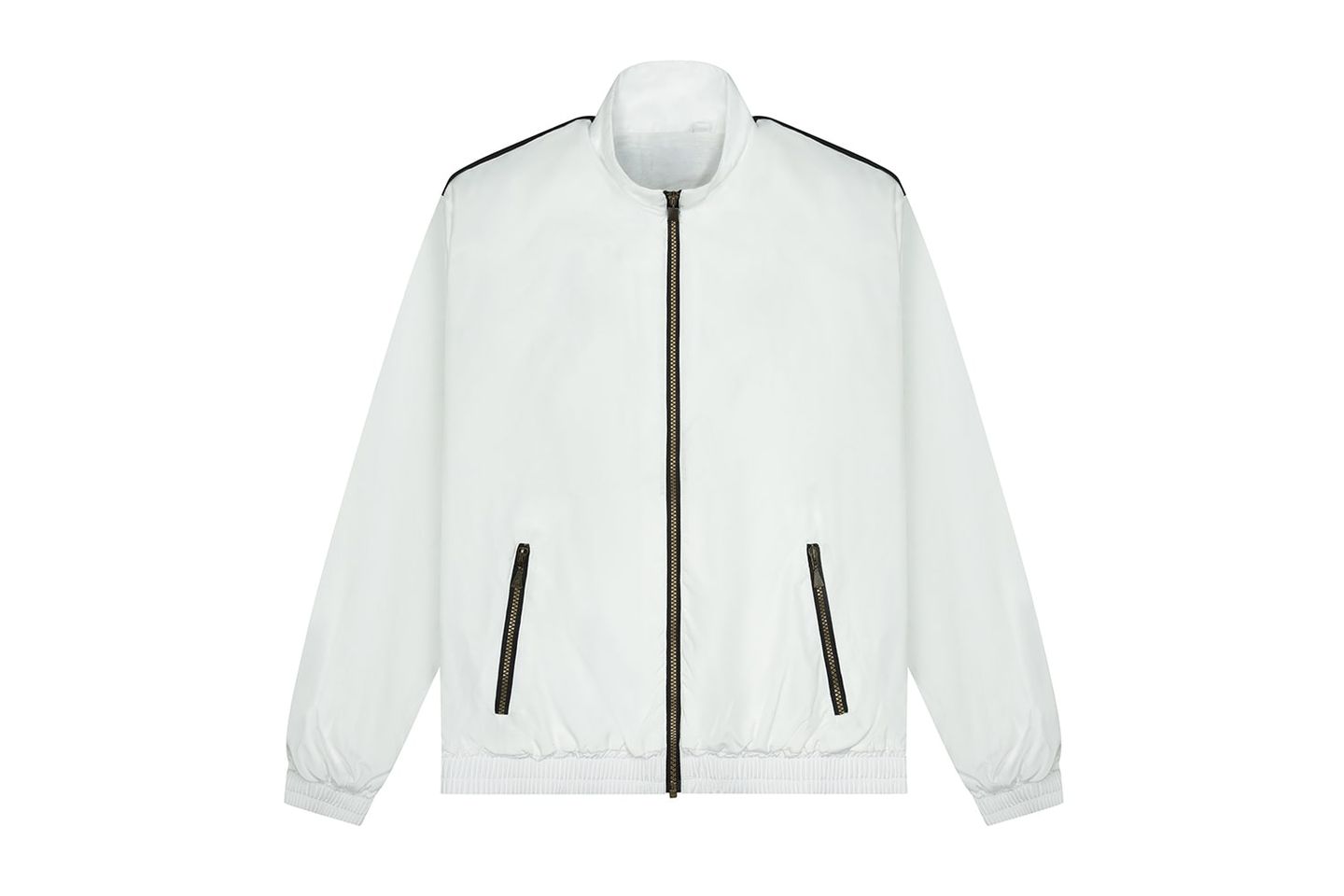
Clipping path, masking, background removal, retouching, ghost mannequin, shadows, colour and marketplace specs.
Read more about image - 02
Motion
Product video, social cut-downs, turntables and grading matched to your stills.
Read more about motion - 03
Generated and rendered
3D product renders, virtual sets and AI images you already have, finished and labelled by hand.
Read more about generated and rendered - 04
Standards
Style guide ingestion, consistency checking, catalogue audits and delivery into your systems.
Read more about standards
Pipeline
- 01
What you send
Photography, video, 3D files or AI images.
- 02
ALT FIX, Dhaka
Edited by hand to your written standard, then checked.
- 03
What you get
One consistent set, labelled by source, named and sized for where it is going.
BETWEEN THE STUDIO AND THE SHOP
Between the studio and the product page, small things slip.
A colour shifts a shade. An edge goes soft. A shadow falls at the wrong angle. Each is minor on its own; across a catalogue they add up.
We have been closing that gap since 2018.
What we specialise in
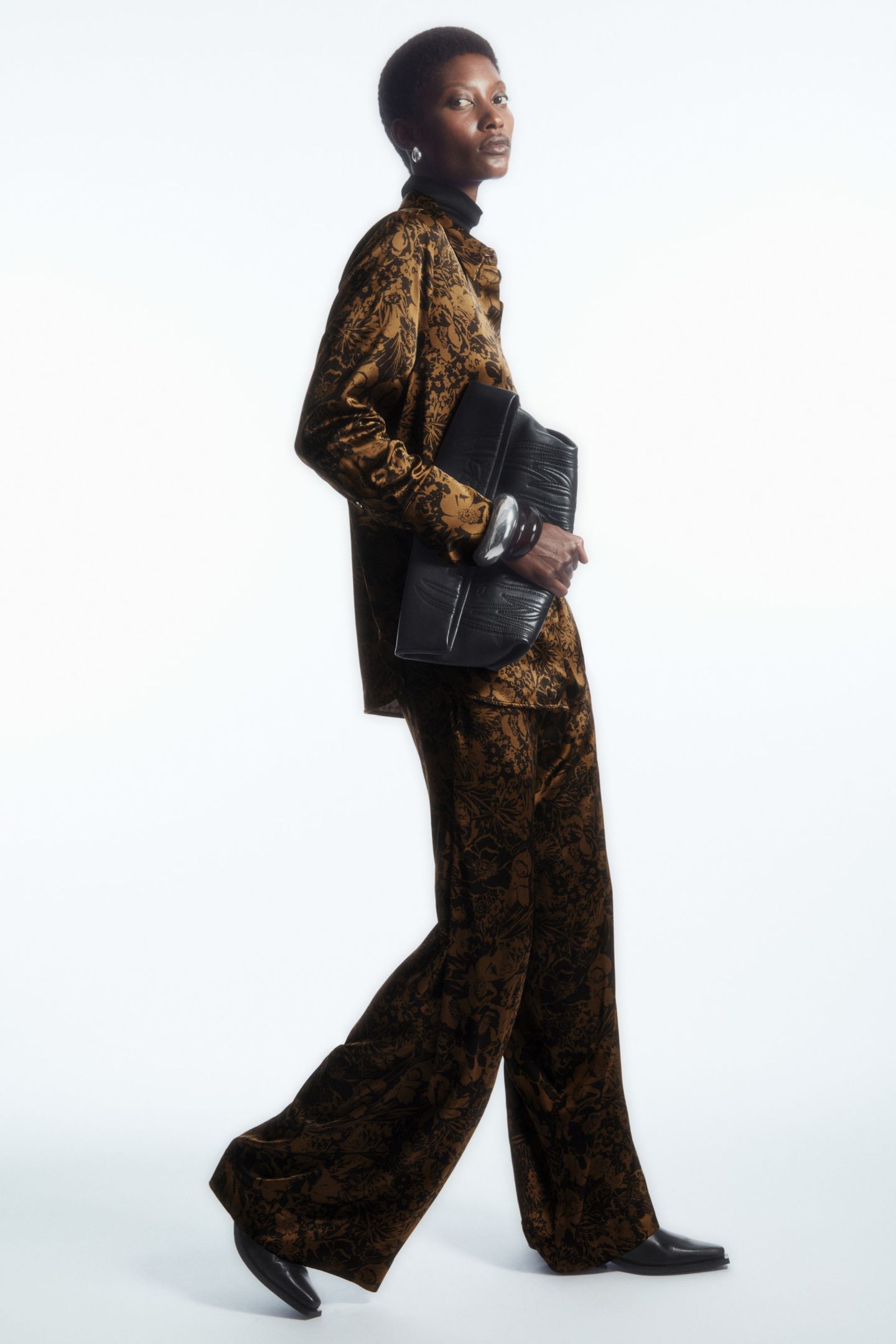
Fashion and e-commerce, and nothing else. Every image is checked by a person before it leaves, whoever or whatever made it.
Questions about our services
What is the difference between photographed, rendered and generated images?
A photographed image was shot on a camera. A rendered image was built from a 3D model or CAD file. A generated image was made or extended with an AI image model. We finish all three to the same style guide and label every file with how it was made.
Can you work to our existing style guide?
Yes. We turn it into written production rules for crop, background, shadow, colour and file naming, and check every batch against them. If you do not have one, we write one from images you have approved.
Do you handle marketplace image requirements?
Yes. Crops, sizes and backgrounds are set to each marketplace's current requirements, and to your own platform's.
Can video match the stills on the same product page?
Yes. Product video is colour graded to match your stills, so the page reads as one shoot.