SOLUTIONS / 01 MIXED-SOURCE CATALOGUES
However the image was made, it ends up looking like your brand.
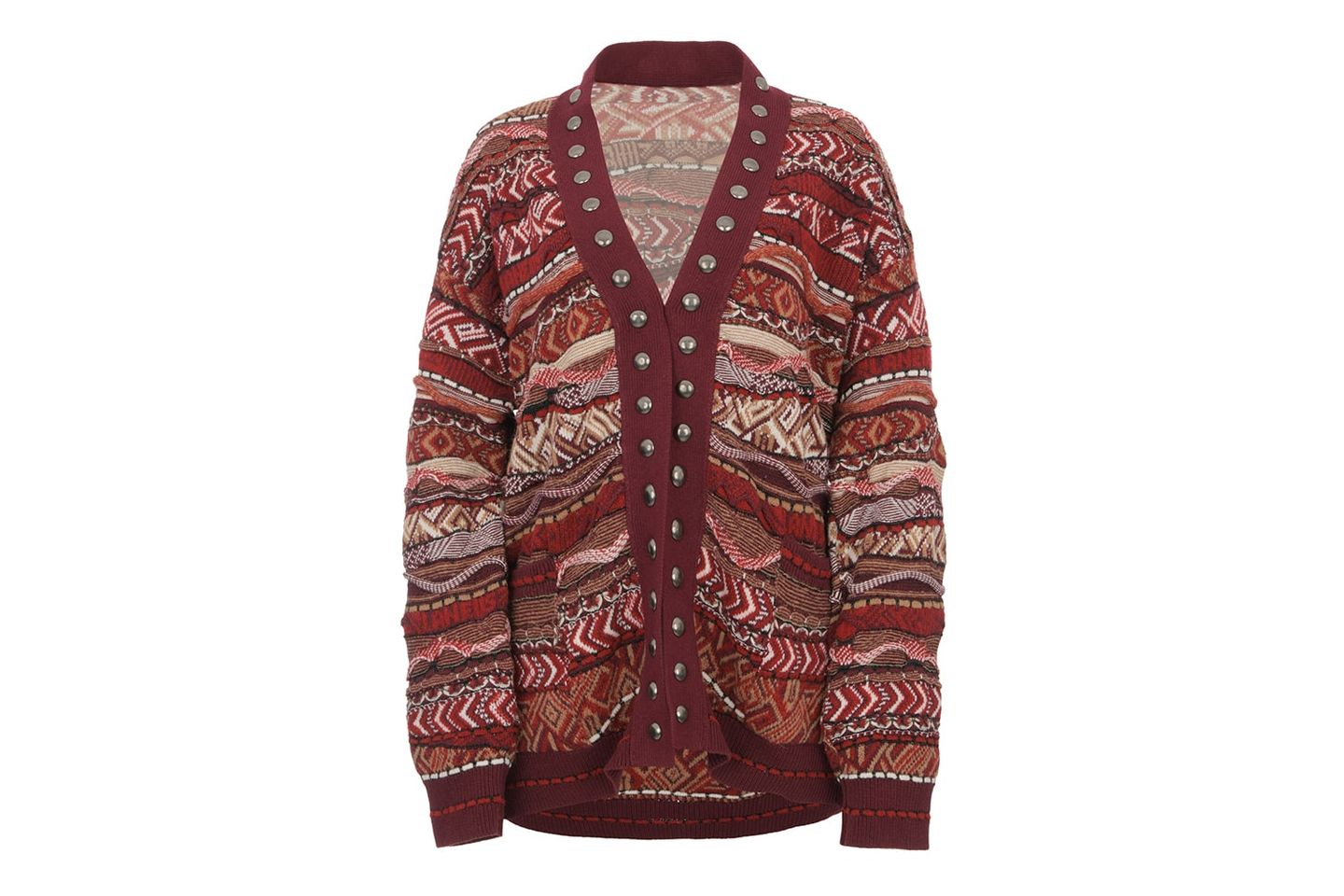
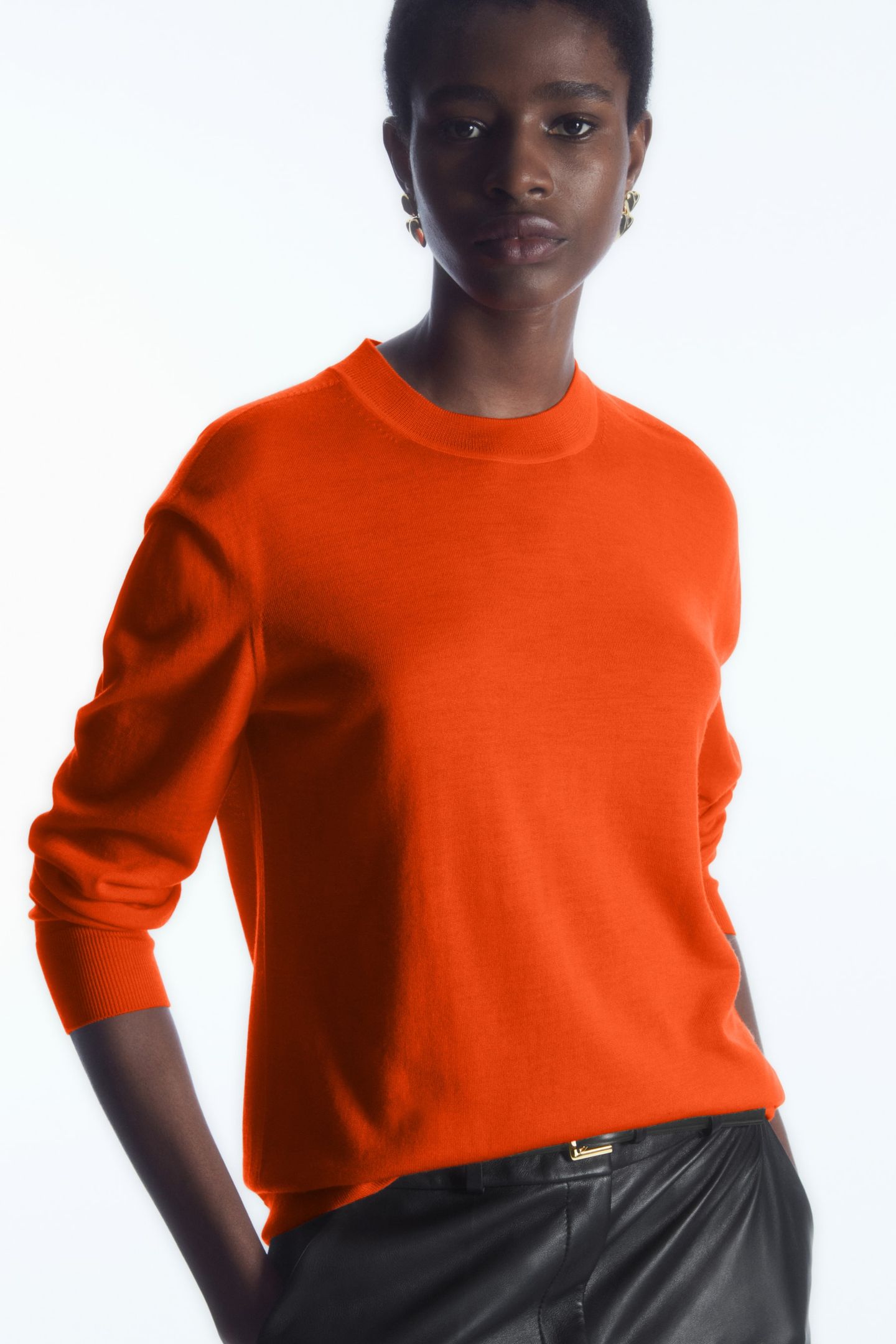
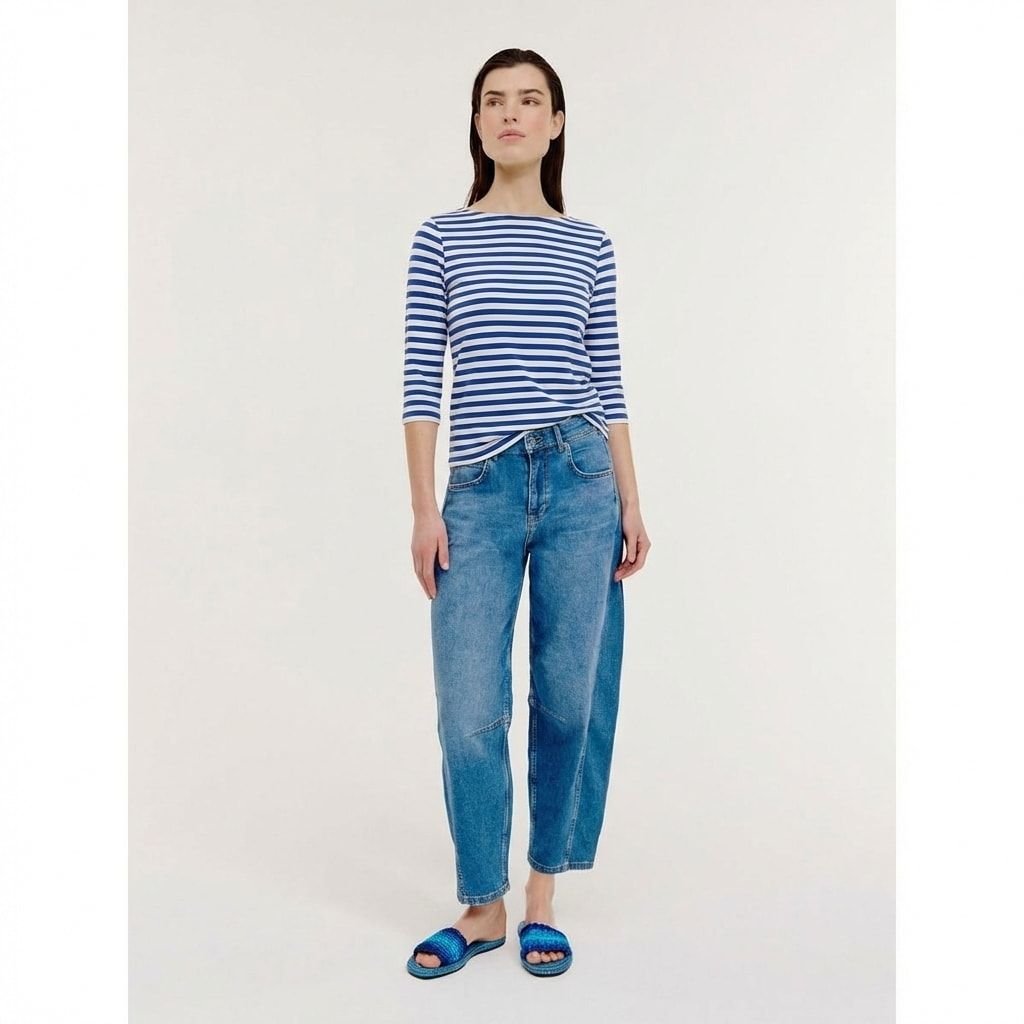
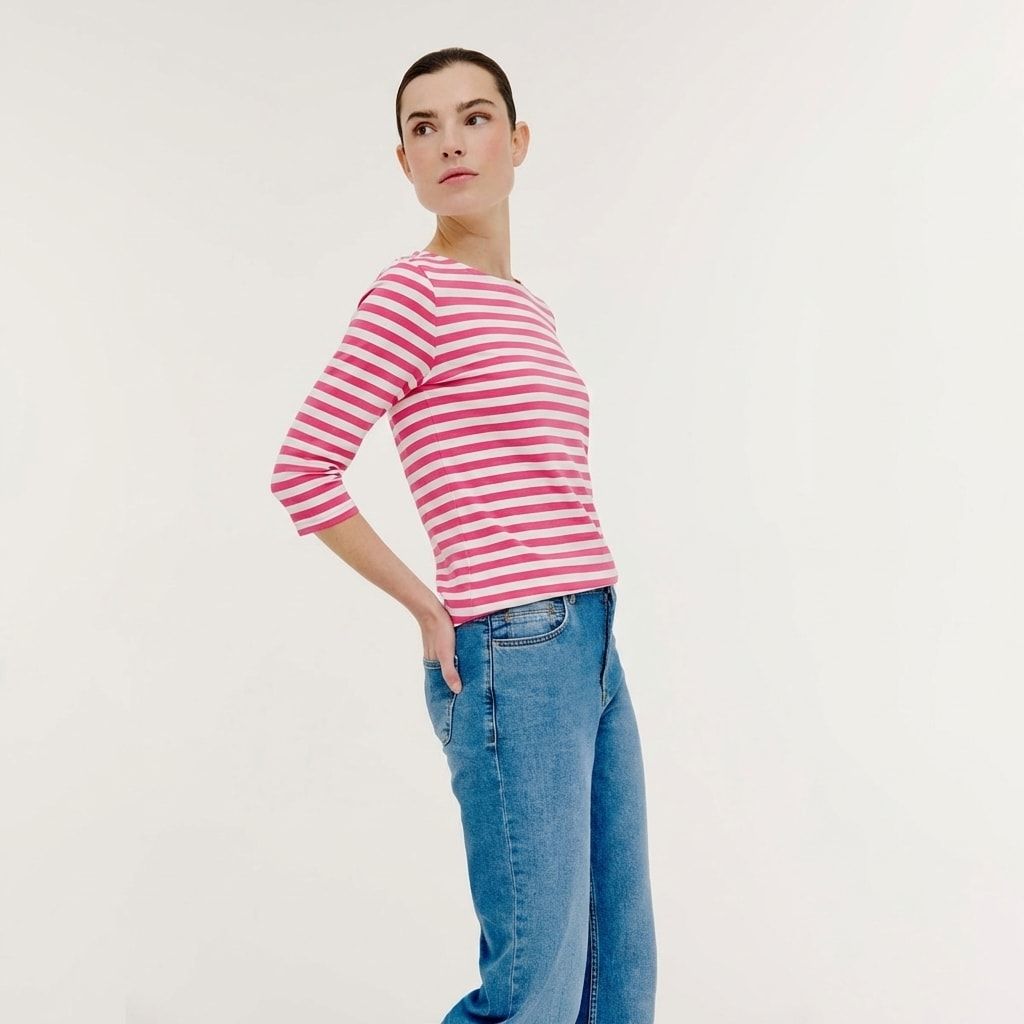
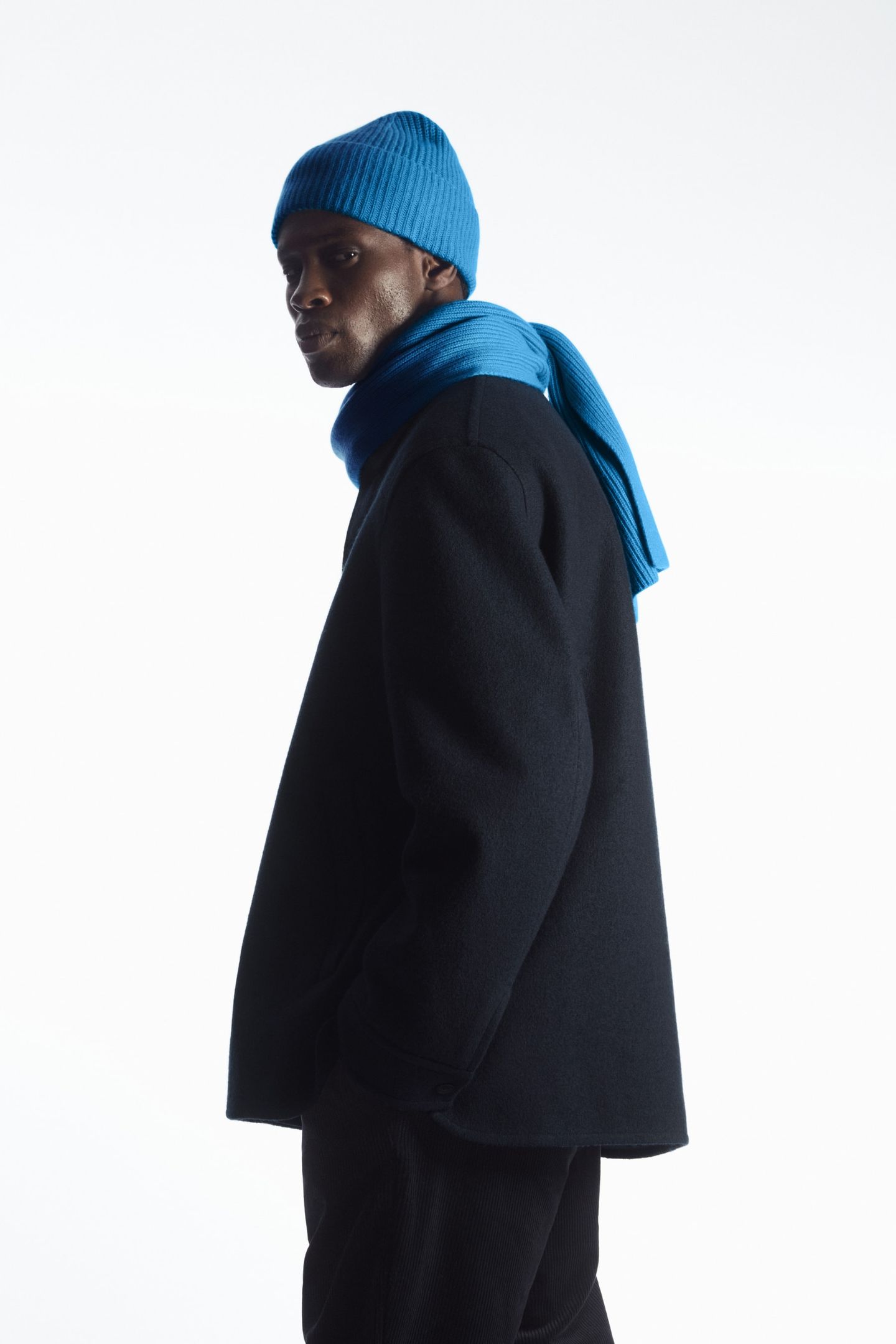
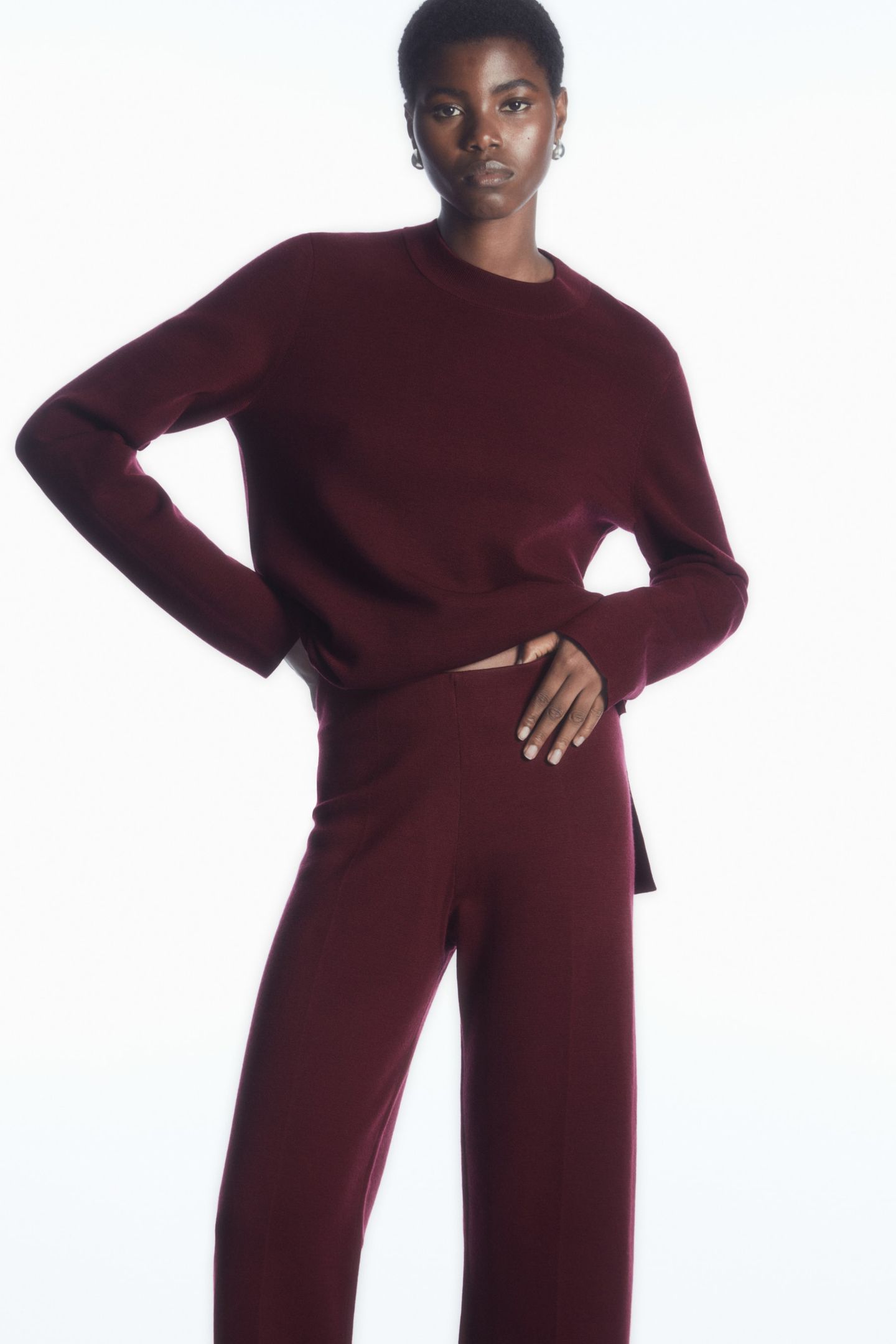
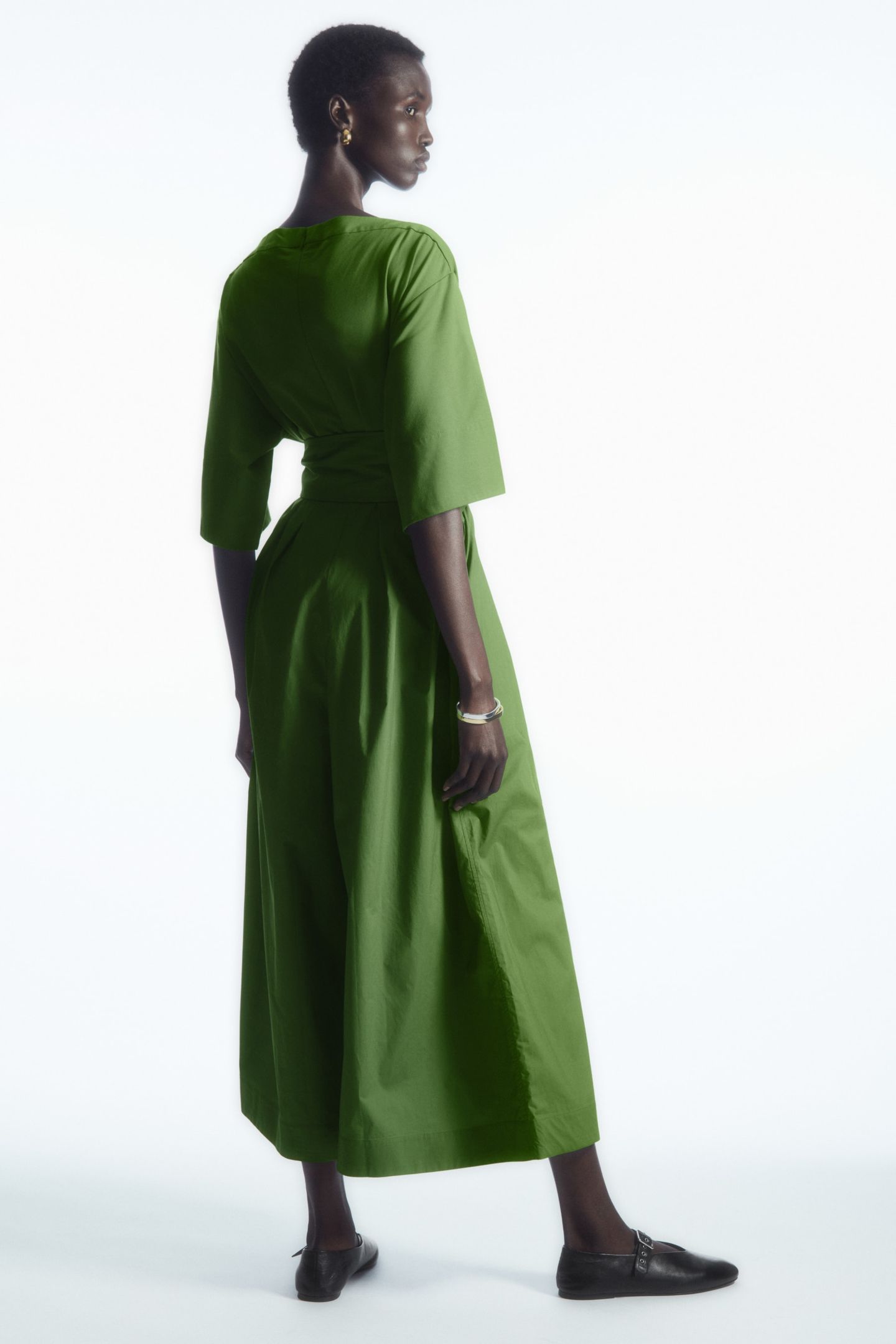
Studio photography, 3D renders and AI images now sit side by side on the same product page. We make them look like they belong together.
Read more about mixed-source cataloguesThe problem
Each source brings its own look. Photography has real light and real shadow. Renders are clean and slightly too even. AI images drift in colour and scale. Put them in one grid and the catalogue stops looking like one brand.
What we do
- 01
Take your style guide, or write one from images you have approved.
- 02
Bring every image to it: crop, background, shadow, colour and scale.
- 03
Label every file with how it was made.
- 04
Send a short written note on anything that did not match.
Some of these images will be AI-generated. See AI Visuals for how we create and finish those.
Three sources, one catalogue.
Photographed, 3D rendered and AI-generated work we have finished, each labelled for how it was made.
3D renderedHair dryer, 3D product film 3D renderedChronograph watch, 3D film
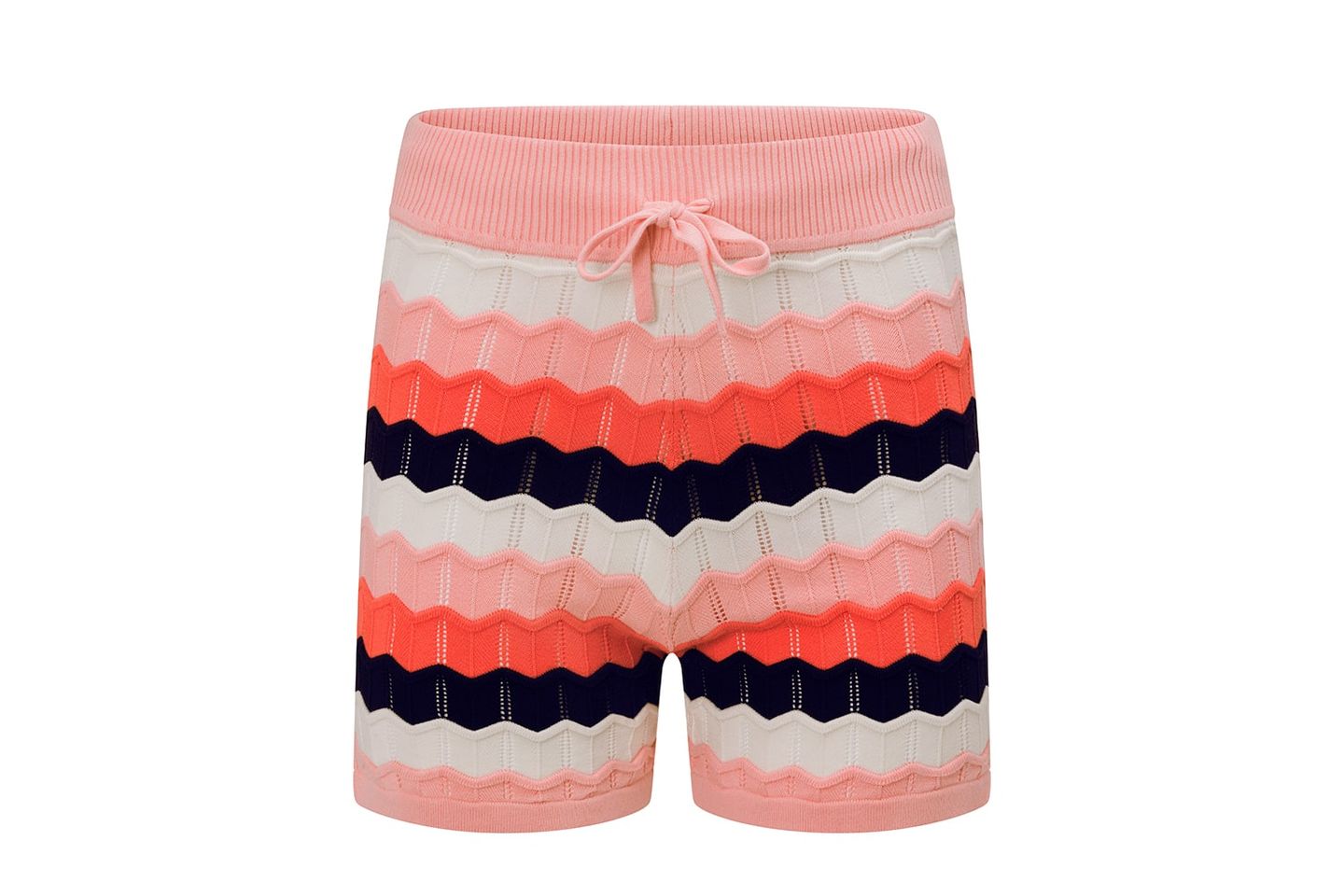
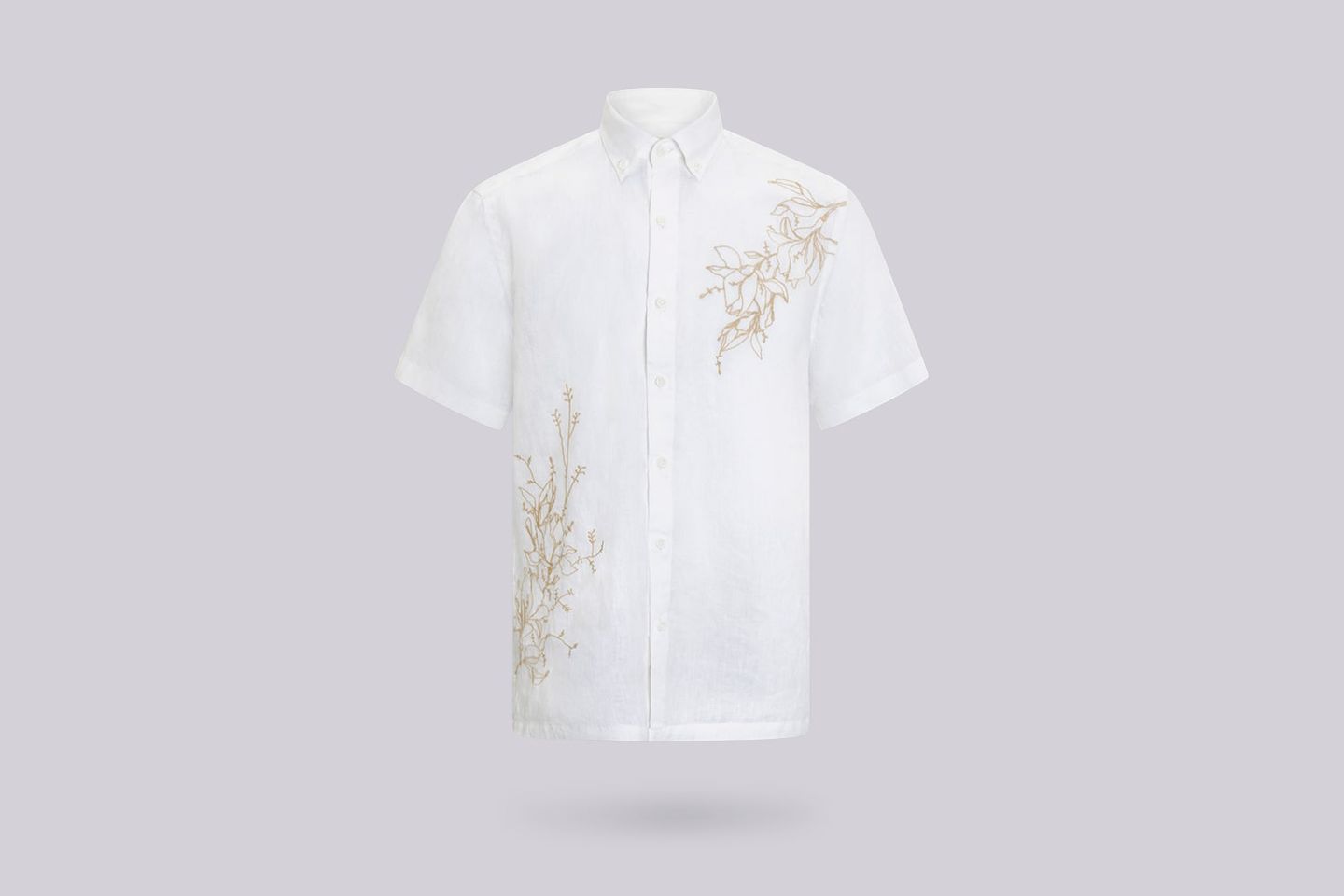
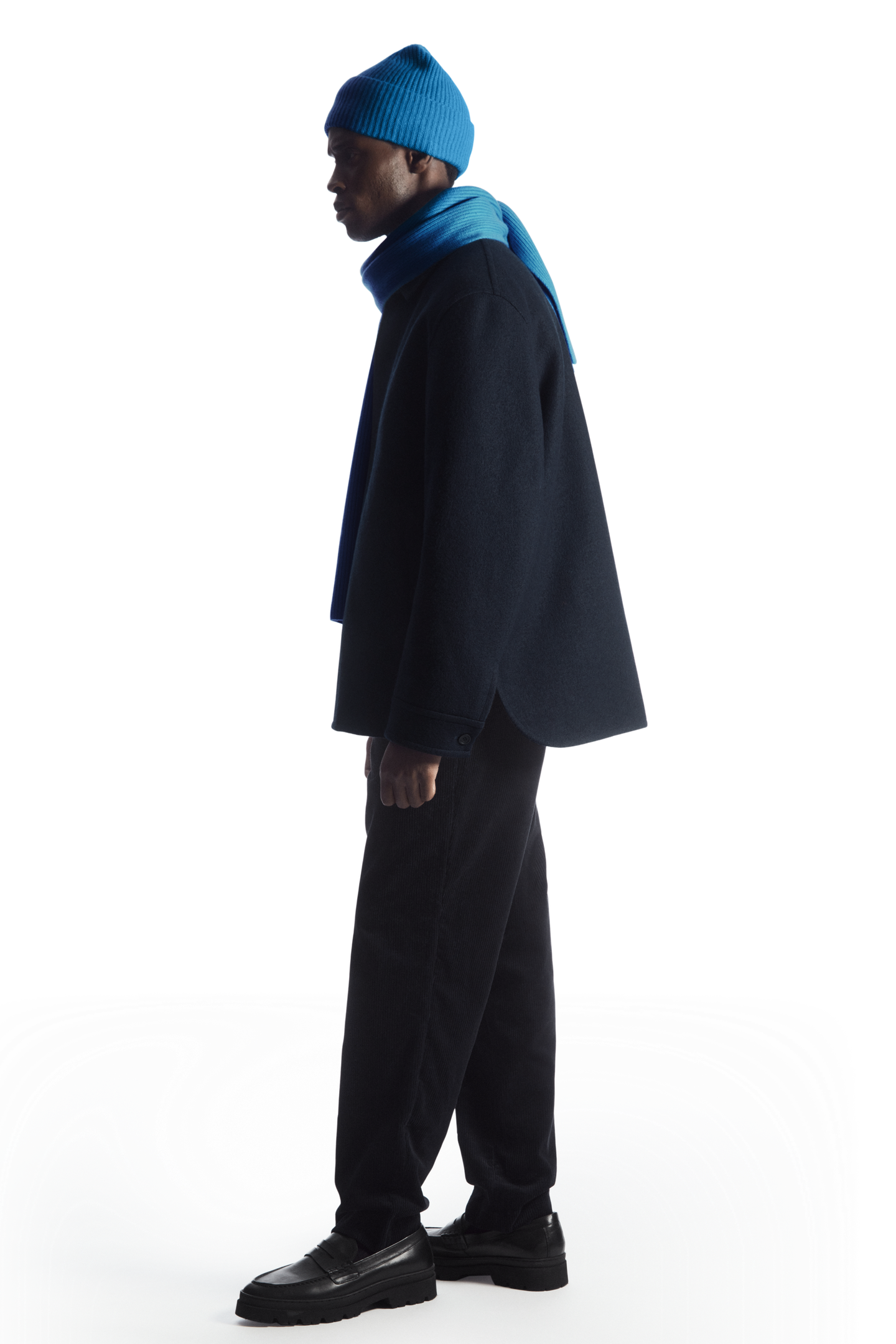
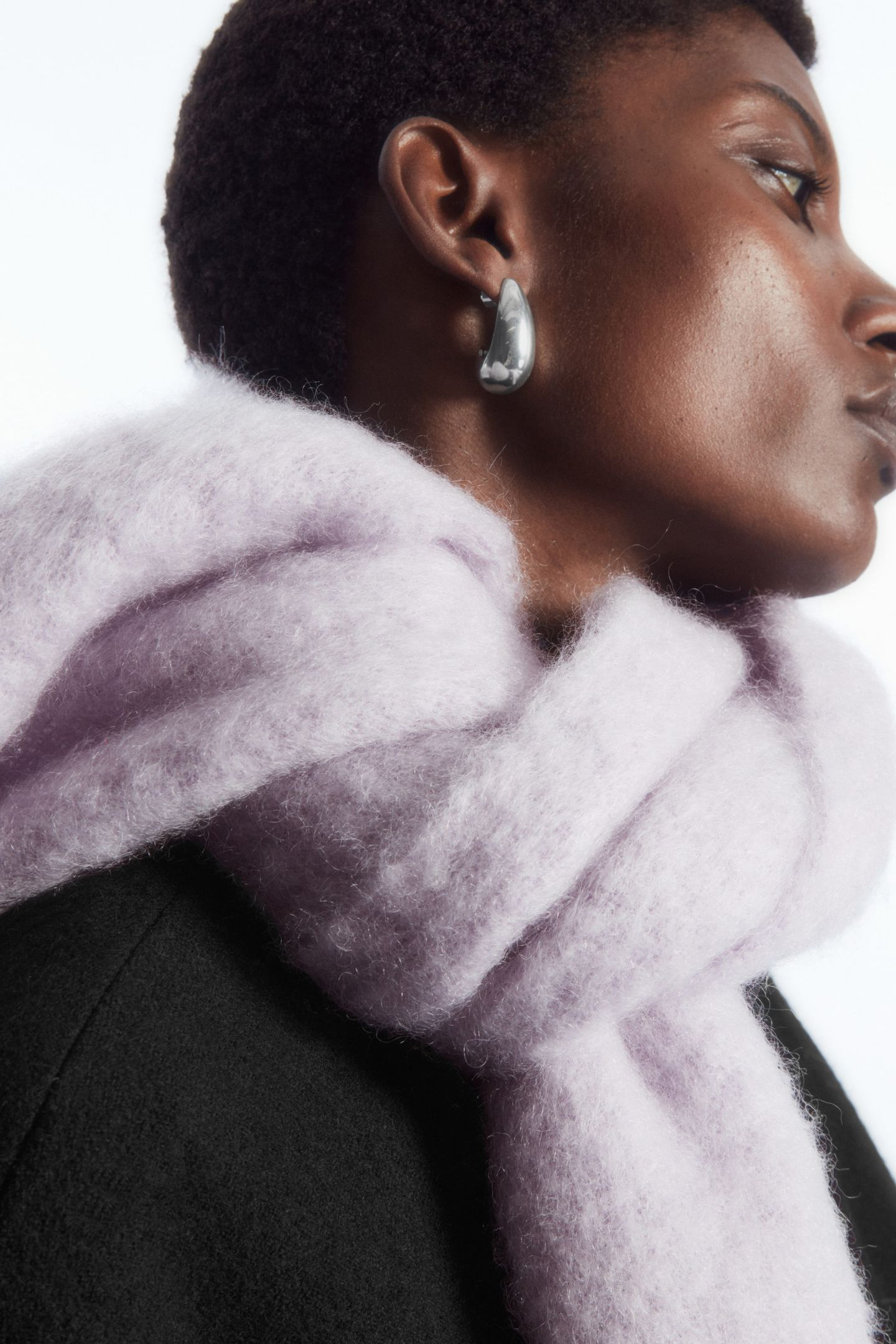
PhotographedCobalt blue shirt and wide trousers GeneratedStriped knit vest and white jeans PhotographedNavy knit polo and trousers GeneratedTeal bikini PhotographedWhite sleeveless shirt and maxi skirt GeneratedKhaki shell jacket and navy joggers PhotographedCharcoal coat GeneratedDiamond drop earrings
Who it is for
Brands mixing studio photography with 3D or AI images, and teams who want one standard held across all of it.